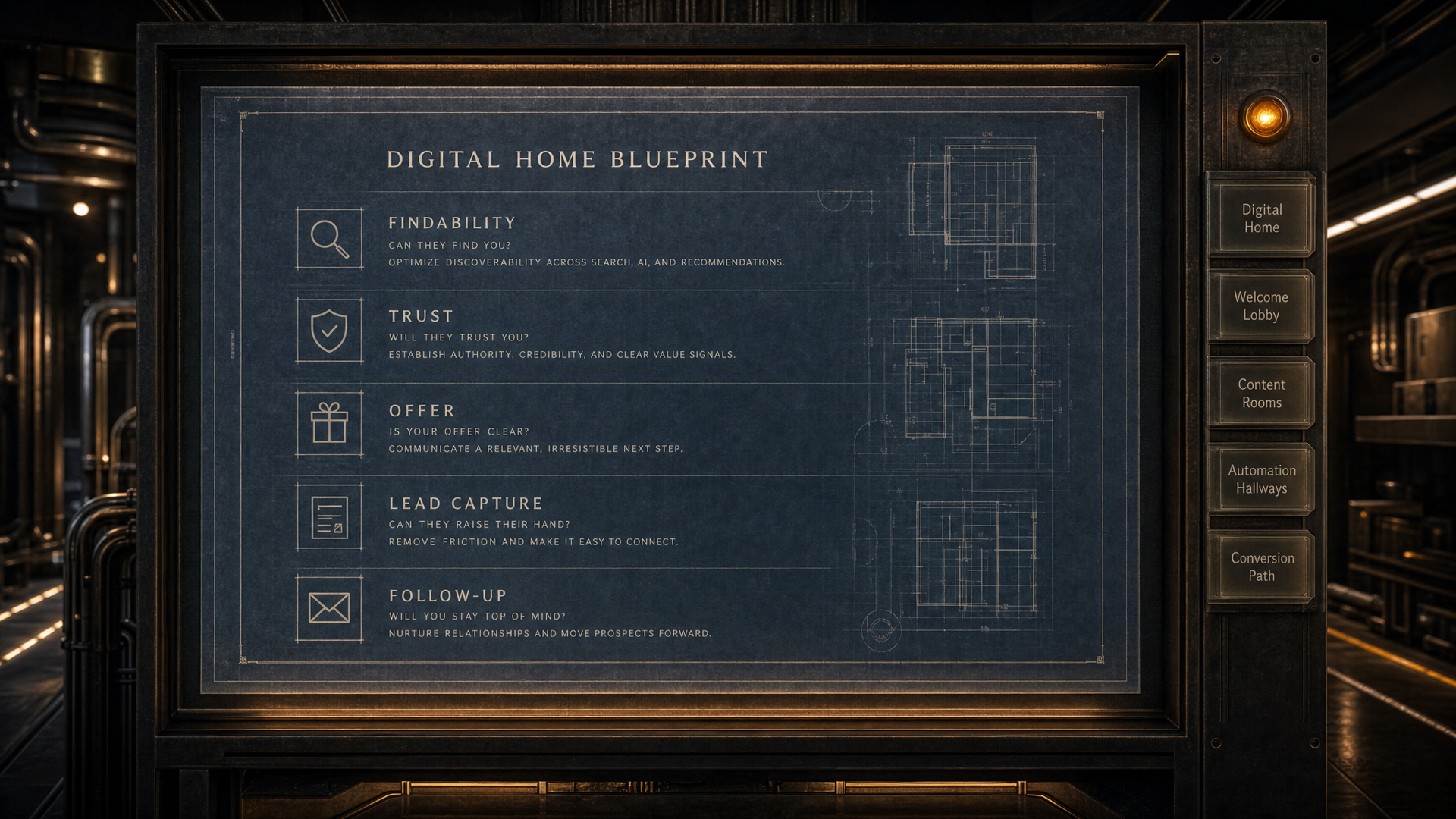
WHAT WE BUILD // SITE MANAGER

Update your own site. Break nothing.

Site Manager is the built-in editor that comes with every Digital Home Setup. Update your content whenever you need to: text, images, service descriptions, SEO fields and new pages. No code, developer queue or risk to the structure we built.

THE RULE THAT MAKES IT SAFE

The editor can only fill content slots against a frozen template. The layout, structure and technical SEO architecture are unreachable. Not password-protected. They are not addressable by the editor at all.

You control

  • Text and headings
  • Images and photos
  • Button copy
  • SEO fields
  • New pages

Protected

  • Page structure
  • Layout and CSS
  • Navigation
  • Technical schema
  • Internal links

WHAT IT IS

Site Manager is the content-editing layer of the Digital Home, built by Smart Website Pro and included with every Digital Home Setup. It gives business owners a password-protected editor that connects directly to their live site. They can update any tagged piece of content, including text, images, headings and SEO fields, by clicking it directly or typing a plain-English request. Every change passes through a deterministic safety layer before it applies. Nothing that would alter the structure, break the layout or damage the technical SEO architecture is allowed through. The result is a Digital Home that stays current without a support ticket for every small change.

WHO THIS IS BUILT FOR

Four situations where Site Manager solves a real problem.

Waiting on the agency for every small change

A phone number changed. A service area expanded. An offer expired. Each update goes into a support queue, waits for a developer, and comes back days later if you're lucky. The site falls behind because the update process is too slow to keep pace with the business.

Someone touched the site and it broke

You gave a team member access. They clicked something in the wrong place. The layout shifted, a section disappeared, or something stopped working. Nobody knows what happened. The fix took a week and a phone call to the developer.

Content goes stale while you wait

Seasonal offers. Updated hours. New service areas. A crew photo from the last job. All of it sits in a draft email or a shared doc waiting for the site to catch up. By the time it goes live, the moment has passed.

Already has a CMS and lives in fear of it

There's a WordPress dashboard somewhere with login credentials you haven't touched in eighteen months. Every time something needs to change, the question is the same: is clicking this going to break something? So nothing gets changed.

HOW IT WORKS

From handoff to live update in five steps.

01

Site handed off at build, already editable

At the end of your Digital Home Setup, Site Manager is already active. Every piece of editable content is tagged. The structure, layout, and SEO architecture are frozen. You don't configure anything. You just receive the login.

02

Log in with your site password

One password, one link. No account to create, no username to remember, no software to install. Your site opens in edit mode. Everything editable has a visible handle. Everything protected is invisible to your cursor.

03

Click to edit or describe the change

Click any text, heading, image, or button label to edit it directly. Or open the chat and describe what you want in plain English: 'Update the service area to include Tampa and Clearwater.' The system reads it, plans the change, and shows you a preview.

04

Every change is validated before it applies

A deterministic safety layer checks every change before it touches the page. It blocks anything that would alter the structure, remove a section, inject unsafe content, or create an empty field where text is required. The check costs nothing and happens instantly.

05

Publish to your live domain, version saved

When you're ready, hit Publish. Your live domain updates in seconds. No rebuild, no Git, no deploy pipeline. Every publish creates an immutable version snapshot. If you don't like what went live, one click restores any previous state.

THE SAFETY LAYER

Every change is checked before it applies.

The Guardian is a deterministic validation layer that runs on every change submitted through Site Manager. It is plain code with no AI API cost and no processing delay. It runs instantly.

What it checks: whether the change targets a tagged content slot (not structure), whether the new value is valid for the field type, whether the result would leave a section empty, and whether the rendered output would break the layout. If any check fails, the change is rejected with an explanation. Nothing gets through that hasn't passed every test.

This is why clients who have never used a CMS can use Site Manager on day one. The risky parts of the site are outside the editor's reach by design.

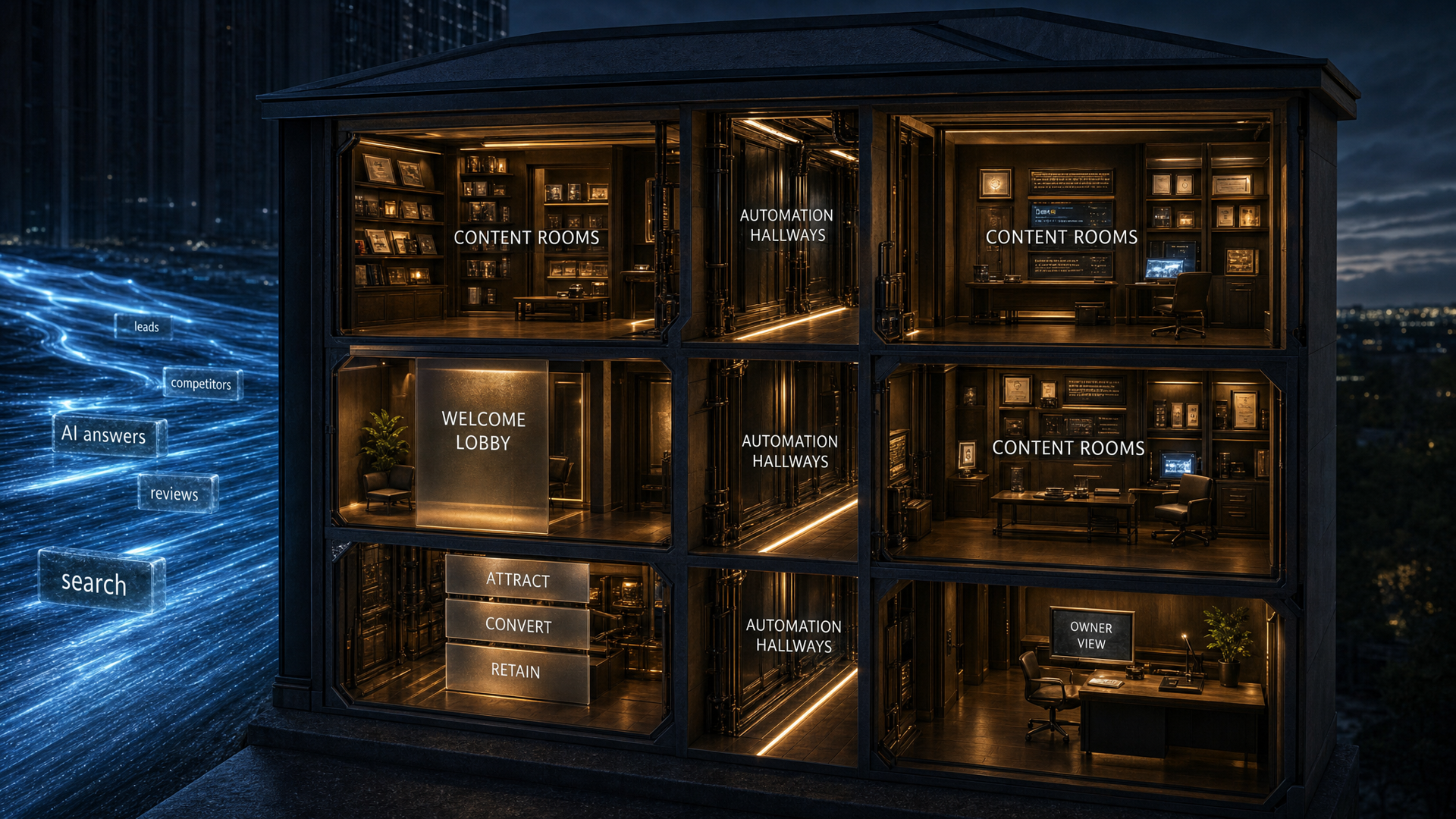
SCOPE // WHAT SHAPES THE EDITOR

What determines the Site Manager setup?

Site Manager is mapped to the way your business updates content.

Every Digital Home includes the editor. The exact setup depends on which content should be editable, who needs publishing control and how much review should happen before changes go live.

Start Your Blueprint

How much content needs to be editable

Some sites only need text, images and button labels tagged. Others need service pages, location pages, article templates and SEO fields available inside the editor.

Who needs publishing control

A solo owner may self-publish. A larger team may need draft saving, review steps and tighter access rules before changes reach the live site.

How often the business changes

Seasonal offers, changing service areas and active hiring pages need more editable slots than a stable brochure site.

How much protection the site needs

The more people who can edit, the more important validation, version history and rollback become.

SIGNS YOU NEED IT

Eight signs your update process is costing you.

  • You're waiting on someone else to change a sentence on your own website.
  • Seasonal offers and updated hours go live late because the update process is friction.
  • You've lost a call from a customer who dialed a phone number that changed months ago.
  • A team member once made an edit that broke the layout and it took days to fix.
  • You pay developer maintenance fees for changes that should take five minutes.
  • Your site has a blog section with posts from two years ago and nothing since.
  • You avoid updating the site because you're not sure what will break.
  • You gave someone WordPress access once and immediately regretted it.

COMMON QUESTIONS

What people ask before they start.

What is Site Manager?

Site Manager is a built-in client editor included with every Digital Home Setup from Smart Website Pro. It lets business owners update their own website content, including text, images, service descriptions, SEO fields and new pages, without touching code, breaking the design or affecting their search rankings. The editor is a password-protected web interface that connects directly to the live site.

Will my changes hurt my search rankings?

No. The technical SEO architecture is protected and cannot be edited through Site Manager. That includes structured data, schema markup, internal linking structure, page hierarchy and AI-extraction markup. What you can edit is content: the words, images and descriptions that fill the structure. Content updates done through Site Manager do not touch the technical layer that determines how Google and AI assistants read the page.

Can I break the site with Site Manager?

No. Every change passes through a deterministic safety layer before it applies. That layer checks the change against a locked template and rejects anything that would alter the page structure, remove a required element, leave a section empty or create formatting that would break the layout. The system cannot accept a change it cannot validate. This check happens in code, not AI. It costs nothing and runs instantly.

What's the difference between Site Manager and WordPress?

WordPress gives you access to everything: the theme, the plugins, the database and the code. That power is also the risk. One wrong click can change the layout, disable a plugin or break a page. Site Manager only gives you access to content slots. The structure is unreachable. You can't accidentally change the font, shift the layout, break a page template or delete a section. The editor is specifically designed for people who are not developers and should not be in a codebase.

Can multiple people on my team use Site Manager?

Yes. The site password can be shared with anyone on your team who needs to make updates. Each login session is isolated. No one person's changes publish automatically, and nothing goes live until someone explicitly hits Publish. For businesses that want tighter control, an approval gate can be enabled so updates are reviewed before they go live.

What happens if I publish something I don't like?

Every publish creates a version snapshot. The version history is visible in Site Manager's dashboard. If you publish a change and decide you want to revert it, you select the version you want and restore it with one click. The rollback goes live the same way a publish does: in seconds, without a rebuild.

Can I add new pages with Site Manager?

Yes. You can create new pages, including service pages, location pages and article pages, that automatically inherit your site's styling, fonts and layout. New pages follow the same structure as existing pages in your Digital Home. They do not require design work or developer involvement.

Does Site Manager work on mobile?

Yes. The editor is accessible from any device with a browser. You can make edits and publish updates from your phone. The editing interface adapts to smaller screens. For complex edits like reorganizing multiple sections or writing longer content, a desktop is easier. Quick text and image updates work fine on mobile.

Who approves changes before they go live?

By default, you control your own publishing. You make edits, save drafts and publish when ready. For businesses that want a review step, an approval gate can be turned on per site. When enabled, submitting a change sends it to the agency dashboard for review. Nothing publishes until the agency approves it. Most clients prefer self-publish once they've used the editor a few times.

Is Site Manager included in every Digital Home Setup?

Yes. Site Manager is part of every Digital Home Setup from Smart Website Pro. It is not a separate subscription or add-on. When your Digital Home is handed off, the editor is already configured and your login is ready. You should be able to maintain your own content from day one without calling anyone to change a headline.

DIGITAL HOME BLUEPRINT // READY

Find the gaps that are costing you better conversations.

The blueprint reviews your services, proof, buyer questions, lead paths and follow-up structure, then shows what should be fixed or built first.

Start Your Blueprint See what is working, what is missing, and what to fix first.
01 Digital Home
02 Welcome Lobby
03 Content Rooms
04 Automation Hallways
05 Conversion Path