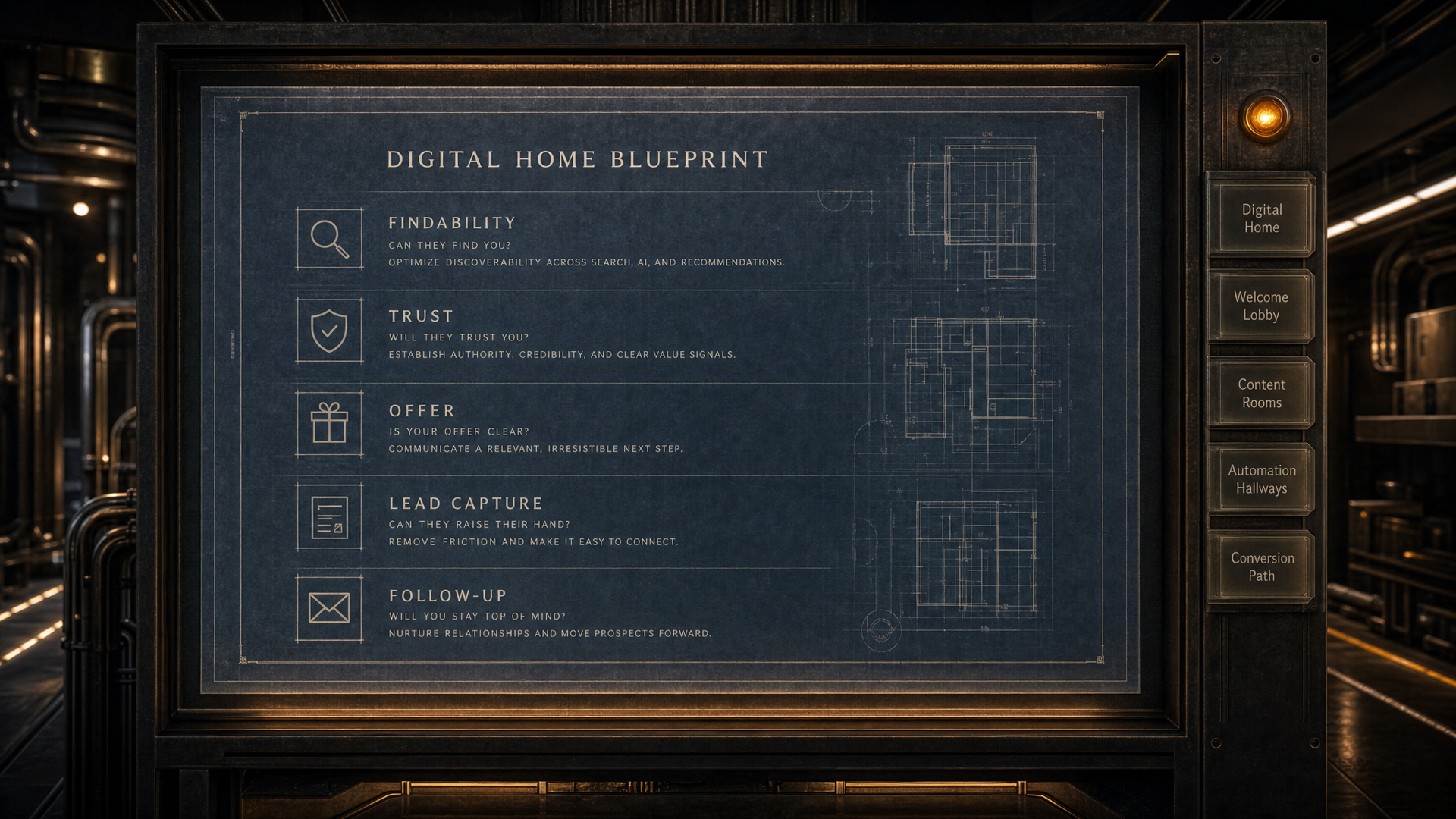
AUTOMATION HALLWAYS // WEB CHAT

Your website should be answering questions right now.

AI web chat for home service businesses is a conversational widget trained on your services, service areas, pricing approach, and buyer questions. It engages visitors 24 hours a day, captures contact information through natural conversation, books appointments, and transfers to your team when requested.

WHAT IT IS

Web chat for the Digital Home is an AI-powered conversational layer that sits inside your website and responds to visitors the same way a knowledgeable team member would. It is not a scripted decision tree. It does not ask the visitor to press a number or choose from a menu. It answers the actual question the visitor typed, whether that is about a specific service, a price range, a service area, how long a job takes, or whether you are available this week. Every conversation is logged. Every contact is captured. Every appointment syncs to the business dashboard automatically.

WHO THIS IS FOR

Four situations where web chat changes the outcome.

You get website traffic but almost no one contacts you

Visitors arrive, look around, and leave without doing anything. The traffic is real. The gap is that there is no conversation happening. No one is answering questions at the moment the visitor is ready to ask them.

Website analytics show sessions. The phone stays quiet.

You miss calls after hours and lose jobs to whoever answers first

A contractor who calls back hours later is often already too late. The visitor found someone who picked up. Web chat gives your website a voice at 10pm on a Sunday when your office is closed.

You see missed calls and voicemails from evenings and weekends that went nowhere.

Your website forms collect half-complete submissions with no context

Forms ask for name, phone, and maybe a service category. They do not ask what the problem is, how urgent it feels, or what the buyer already tried. A chat conversation captures real context because it follows the buyer's own words.

You get form fills you cannot quote without calling back to collect more information.

Mobile visitors leave without ever reaching out

Mobile visitors do not want to hunt for a phone number, compose an email, or fill in a form on a small screen. Chat is native to how people communicate on their phones. They type a question the same way they would text a friend.

Mobile traffic is high but mobile conversions are far lower than desktop.

HOW IT WORKS

From visitor arrival to captured lead in five steps.

01

Visitor arrives and the chat widget opens

The widget loads asynchronously after the page content is already visible. Page speed is not affected. The visitor sees a brief greeting prompt that invites them to ask a question or start a conversation.

02

The visitor asks a real question in their own words

Not a menu. Not a form. The visitor types what they actually want to know: how much does a service cost, whether you work in their neighborhood, how long a job takes, or whether you can come out this week. The chat responds because it has been trained on your specific business.

03

The conversation captures contact information naturally

As the conversation progresses, the chat asks for a name and phone number or email in context. Not as a gate at the start. Not as a forced form. The request comes when it makes sense inside the conversation, which means buyers are more likely to share it.

04

An appointment is booked or a handoff is triggered

If the visitor is ready to book, the chat connects to your scheduling system. If they prefer to speak with someone, the chat can transfer to a live team member with the full conversation already visible so no one has to repeat themselves.

05

Every conversation syncs to the business dashboard

The contact, the summary, the questions asked, and any appointment created all sync automatically. The business gets a clear record of what visitors are asking and what is driving or blocking conversions.

WORKS WITH YOUR DISPATCH SOFTWARE

Chat conversations that end in a booking go straight to your board.

When a web chat conversation ends with a confirmed appointment, the job details push directly to the field service software your team already uses. ServiceTitan, HouseCall Pro, Jobber, and other platforms connect to the same infrastructure that handles every other conversion path in the Digital Home. Your dispatcher sees the job the same way they see every other job. The visitor booked from your website. The work lands where it belongs.

  • ServiceTitan
  • HouseCall Pro
  • Jobber
  • And other field service platforms

SCOPE // WHAT SHAPES THE CHAT

What determines the web chat setup?

Good chat starts with the questions your buyers already ask.

The setup depends on your services, your buyer questions, the handoff path and where captured conversations should land. The Digital Home Blueprint shows whether the site has enough answer depth before chat gets added.

Start Your Blueprint

What visitors ask before they contact you

The chat needs the real questions buyers ask about pricing, service areas, timing, materials, policies and next steps.

Where chat should hand off

Some chats should book directly. Others should route to a live person, a call request, a form path or a follow-up sequence.

How much site content already exists

A strong Digital Home gives the chat better answers. Thin sites need more service and FAQ depth before chat can perform well.

Which tools need to receive the lead

The build changes based on whether conversations sync to Client Capture Pro, a field service platform, a shared inbox or a calendar.

SIGNS YOU NEED IT

Eight signs your website visitors are leaving without converting.

  • Your website gets traffic but the phone is not ringing the way you would expect
  • You check your missed calls on Monday morning and there are jobs you never had a chance to quote
  • A prospect tells you they called someone else because you did not pick up when they reached out
  • Your form submissions are incomplete and you spend time calling people back just to gather basic details
  • Your mobile traffic is growing but mobile conversions are weak
  • You have had at least one job go to a competitor who responded faster
  • Your team is answering the same questions over and over about pricing, service areas, and timing
  • A review or follow-up conversation reveals a buyer who visited your website but could not find what they needed

QUESTIONS ABOUT WEB CHAT

Ten questions contractors ask before adding chat to their site.

What makes web chat different from a basic chatbot?

A scripted chatbot gives the visitor a decision tree: press 1 for this, press 2 for that. It cannot handle questions outside the script. Web chat trained on your business can answer real questions in natural language because it understands your services, pricing structure, service areas, and common buyer questions. The visitor types what they actually want to know and gets a useful answer.

Does the web chat widget slow down my website?

No. The widget loads asynchronously, which means it does not block the page from loading. Your page content appears first and the chat widget appears after. This approach has no measurable impact on Core Web Vitals or page speed scores.

Can web chat actually book appointments?

Yes. When the visitor is ready to schedule, the chat connects to your booking system and completes the appointment inside the conversation. The visitor stays in the same chat instead of jumping to a separate scheduling page. The appointment appears in your system the same way any other booking would.

What happens when a visitor wants to talk to a real person?

The chat supports a live transfer. When the visitor asks to speak with someone, or when the conversation reaches a point where a human is the right next step, the chat routes to a live team member. The team member receives the full conversation history so the visitor does not have to repeat what they already explained.

How does the chat learn about my business?

The setup process includes a training phase where your services, service areas, pricing approach, FAQs, process, and any policies you want to communicate are fed into the chat's knowledge base. The chat then uses that foundation to answer questions accurately. It does not make up information about your business.

What contact information does web chat capture?

The chat collects name, phone number, and email address as part of the natural conversation flow. Because the request comes in context rather than as an upfront gate, visitors are more willing to share complete information. Every contact captured includes the conversation summary so your team has context before the first callback.

Does web chat work on mobile?

Yes, and mobile is where it matters most. Mobile visitors already communicate through text and messaging. A chat interface on a phone feels natural in a way that hunting for a phone number or completing a form does not. Mobile visitors who would not have reached out another way will often start a chat conversation.

What hours does web chat operate?

Web chat operates 24 hours a day, seven days a week, including evenings, weekends, and holidays. This is one of the primary reasons it changes conversion outcomes for home service businesses. The jobs that come in at 9pm or on Sunday morning are exactly the jobs that go to whoever answers first.

Where do chat conversations go after they happen?

Every conversation syncs to the business dashboard. You can see the contact details, the full conversation, the questions the visitor asked, and any appointment or outcome that resulted. This log also reveals patterns in what visitors are asking, which can inform how you structure your services pages or FAQs.

Is web chat part of the Digital Home or is it a separate add-on?

Web chat is part of the Automation Hallways layer of the Digital Home. It connects to the same infrastructure that handles forms, booking, follow-up, and notifications. When a visitor starts a chat conversation, the outcome syncs to the same system that tracks every other conversion path on the site. It is designed to work as part of a complete capture system, not as a standalone widget.
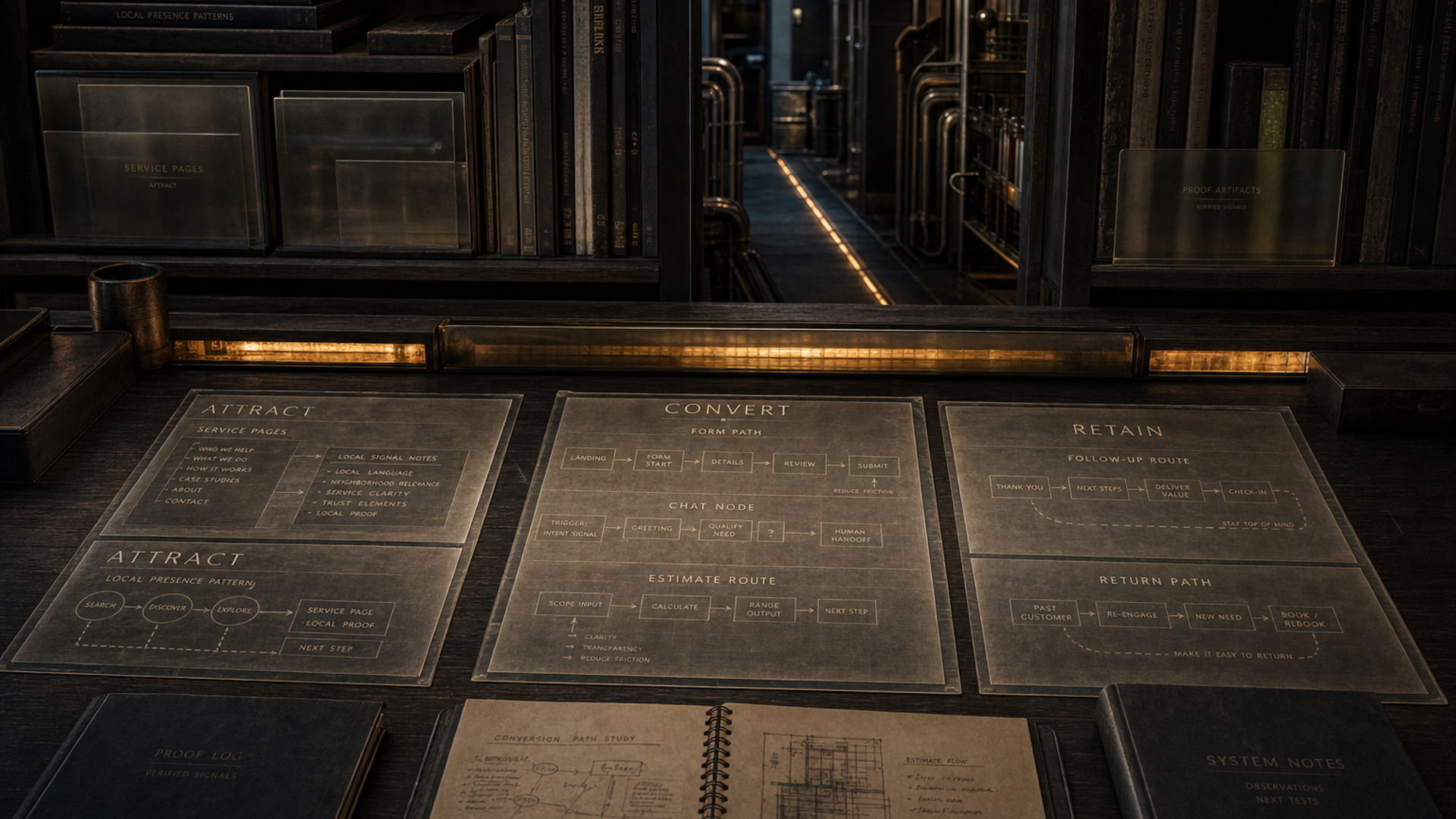
DIGITAL HOME BLUEPRINT // READY

Find the gaps that are costing you better conversations.

The blueprint reviews your services, proof, buyer questions, lead paths and follow-up structure, then shows what should be fixed or built first.

Start Your Blueprint See what is working, what is missing, and what to fix first.
01 Digital Home
02 Welcome Lobby
03 Content Rooms
04 Automation Hallways
05 Conversion Path